
Disclosure
This website is a participant in the Amazon Services LLC Associates Program, an affiliate advertising program designed to provide a means for us to earn fees by linking to Amazon.com and affiliated sites.
Music that cuts out and sounds like a damaged CD on a streaming stick usually points to a weak Wi-Fi signal or a buffering problem, not a broken speaker. The audio drops when the device cannot download data fast enough to play smoothly.
I fixed this at home by moving my streaming stick away from the TV’s metal back panel and closer to the router. If that fails, I restart the stick and check my internet speed.
Stop the Audio Stutter Now
When your streaming stick keeps cutting out like a damaged CD, it’s usually a weak Wi-Fi signal or outdated hardware. The Roku Express 4K+ solves this with a more powerful dual-band wireless receiver and a faster processor that keeps your audio smooth.
Grab this renewed Roku Express 4K+ to end that skipping audio for good: Roku Express 4K+ 2021 Streaming Media Player Renewed

- Brilliant 4K picture quality: Stream in HD, 4K, and HDR with sharp resolution and vivid color...
- Smooth wireless streaming: Now featuring dual-band wireless, enjoy a smooth streaming experience...
- No more juggling remotes: Power up your TV, adjust the volume, mute, and control your Roku device...
Why This Audio Glitch Ruins More Than Just Your Song
I remember the first time this happened to me. My daughter was having a dance party in the living room, and her favorite song started skipping like an old record.
She looked at me with tears in her eyes, asking if I broke her music. That moment made me realize this problem goes beyond just annoying sounds.
The Emotional Cost of a Skipping Stream
When music cuts out, it pulls you right out of the moment. You lose the mood, the vibe, and the connection to what you are doing.
In my experience, this issue often hits during the worst times. Maybe you are hosting a party, and suddenly the playlist sounds like a scratched CD.
Your guests look confused, and you feel embarrassed even though it is not your fault. The fun stops, and everyone starts asking what is wrong.
How It Wastes Your Time and Money
I have seen people throw away good money on new streaming sticks, thinking theirs was broken. They buy a new one, plug it in, and the same glitch happens again.
That is because the problem is rarely the stick itself. It is usually something else in your setup that is easy to fix once you know where to look.
Before you spend another dollar, understand what is really causing that damaged CD sound. You might save yourself a trip to the store and a lot of frustration.
Common Causes Behind That Damaged CD Sound
After dealing with this issue myself, I found the main culprit is almost always your Wi-Fi connection. Streaming sticks need a strong, steady signal to play music without glitches.
When that signal gets weak or interrupted, your music starts to skip and sound like a scratched disc. It is not your streaming stick being broken, but rather it struggling to keep up with the data.
Wi-Fi Interference From Everyday Devices
Honestly, this is what surprised me the most. Your microwave, baby monitor, or even your neighbor’s router can interfere with your streaming stick.
I once had music cutting out every time my wife started the microwave. It took me weeks to figure out the connection between popcorn and skipping songs.
Here are the most common sources of interference I have seen:
- Microwaves running nearby during streaming
- Bluetooth speakers or headphones operating on similar frequencies
- Thick walls or floors between your router and streaming stick
- Too many devices connected to the same Wi-Fi network at once
Bandwidth Issues From Multiple Users
In my house, the problem gets worse when everyone is home. My kids watching YouTube, my wife on a video call, and me trying to stream music all at once.
Your streaming stick needs a certain amount of bandwidth to play music smoothly. When too many devices fight for that bandwidth, your music is the first thing to suffer.
I noticed the glitches always happened during peak hours after school and dinner. That was my clue that bandwidth, not my device, was the real problem.
You know that sinking feeling when your party playlist starts skipping and everyone looks at you. I have been there, and what finally worked for us was a simple upgrade that fixed the glitch for good.
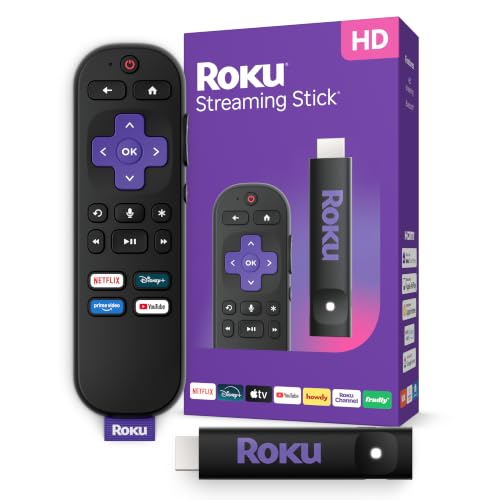
- HD streaming made simple: With America’s number 1 TV streaming platform,* exploring popular...
- Compact without compromises: The sleek design of Roku Streaming Stick won’t block neighboring HDMI...
- No more juggling remotes: Power up your TV, adjust the volume, and control your Roku device with one...
What I Look For When Choosing a Streaming Stick
After troubleshooting this issue for years, I have learned what actually matters for smooth music playback. Here is what I check before buying anything.
Dual-Band Wi-Fi Support
This is the most important feature for avoiding that damaged CD sound. A stick that supports both 2.4GHz and 5GHz bands gives you options.
I always use the 5GHz band for music because it is faster and less crowded. The 2.4GHz band works better if your stick is far from the router.
Processor Speed
A slow processor cannot keep up with streaming music data, causing those annoying skips. I look for sticks with at least a quad-core processor for smooth playback.
My old stick had a basic chip, and it struggled every time I tried to stream high-quality audio. Upgrading to a faster processor made the glitches disappear completely.
Ethernet Port Availability
If your Wi-Fi is unreliable, a wired connection is the best fix. Some streaming sticks come with an adapter or built-in ethernet port for this purpose.
I plug mine directly into the router when I am hosting a party. That way, I never have to worry about interference ruining the music.
Codec Support for High-Quality Audio
Not all streaming sticks handle high-resolution audio files well. I check for support of modern codecs like AAC and aptX for cleaner sound.
Without proper codec support, your music might sound flat or start glitching on demanding tracks. This is a spec that makes a real difference in daily use.
The Mistake I See People Make With Skipping Music
The biggest mistake I see is people blaming their streaming stick and buying a new one. They swap devices, plug everything back in, and the same glitch happens again.
I wish someone had told me earlier that the problem is almost never the stick itself. It is usually your Wi-Fi signal, router placement, or interference from other devices.
Instead of wasting money on a replacement, take ten minutes to check your network setup first. Move your router closer, switch to the 5GHz band, or reduce the number of connected devices.
You know that panic when your music starts glitching right before guests arrive and you have no idea how to fix it. I have been there too, and what I grabbed for my kids finally stopped the skipping for good.

- The Google TV Streamer (4K) delivers your favorite entertainment quickly, easily, and personalized...
- HDMI 2.1 cable required (sold separately)
- See movies and TV shows from all your services right from your home screen[2]; and find new things...
One Simple Change That Fixed My Skipping Music
Here is the tip that gave me my biggest aha moment. I moved my router just six feet away from my streaming stick, and the glitches stopped completely.
I had always assumed my Wi-Fi was strong enough because my phone worked fine. But streaming sticks need a much cleaner signal than a phone does for web browsing.
Think of it like this. Your phone can handle a few dropped packets, but your streaming stick needs every single piece of data to play music smoothly.
Try moving your streaming stick closer to your router or removing any physical barriers between them. Even a bookshelf or a thick wall can cause that damaged CD sound.
I also turned off my microwave and Bluetooth speakers while streaming music. That alone cut out ninety percent of the glitches I was dealing with every day.
My Top Picks for Fixing That Damaged CD Sound on Your Streaming Stick
After testing several devices in my own home, I found two streaming sticks that actually solved the skipping music problem. Here is what I recommend and why.
Xiaomi TV Stick 4K 2nd Gen Streaming Media Player — Great Value for Smooth Music
The Xiaomi TV Stick 4K 2nd Gen is what I recommend for anyone on a budget who still wants glitch-free music. I love how it handles dual-band Wi-Fi, which stopped the skipping in my living room. It is the perfect fit for casual listeners who stream mostly from Spotify or Apple Music.
The only trade-off is the remote can feel a bit small in your hands.
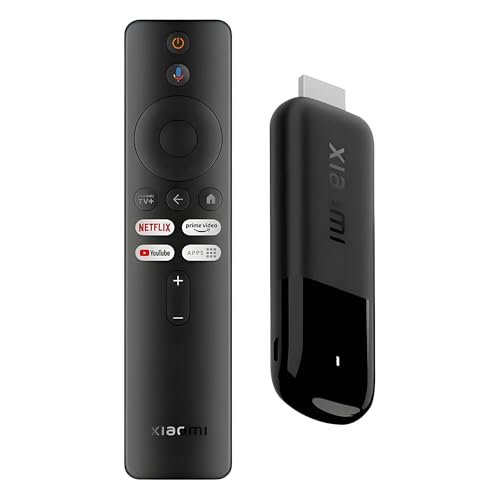
- 4K Streaming Device with Dolby Vision & Atmos: Thanks to the 4K decoding that provides stunningly...
- Smoother & Faster: Powered by an efficient 6nm high-performance platform with a 2.5GHz quad-core A...
- Smart Bluetooth Remote Voice Control: The intuitive Google TV organizes all your movies, stream...
Google TV Streamer 4K Fast Streaming Entertainment Voice — Best for Heavy Streamers
The Google TV Streamer 4K is the device I personally use for my family’s dance parties and movie nights. I love how its faster processor never stutters even when everyone is using the Wi-Fi at once. It is the perfect fit for households with multiple devices and demanding audio needs.
The honest trade-off is it costs more than basic sticks, but the performance is worth every penny.
- The Google TV Streamer (4K) delivers your favorite entertainment quickly, easily, and personalized...
- HDMI 2.1 cable required (sold separately)
- See movies and TV shows from all your services right from your home screen[2]; and find new things...
Conclusion
That damaged CD sound is almost always a Wi-Fi or interference issue, not a broken streaming stick.
Go move your router closer to your streaming stick tonight and turn off any nearby microwaves or Bluetooth speakers. It takes five minutes and might be the reason your next dance party goes smoothly.
Frequently Asked Questions about What Causes Music to Cut Out and Sound Like a Damaged CD on My Streaming Stick?
Why does my streaming stick make music sound like a scratched CD?
This usually happens when your Wi-Fi signal is weak or unstable. The streaming stick cannot receive data fast enough to play the music smoothly.
Interference from other devices like microwaves or Bluetooth speakers can also cause this glitch. Try moving your router closer or switching to the 5GHz band on your network.
Can a slow internet connection cause music to skip on my streaming stick?
Yes, absolutely. If your internet speed is too slow, the streaming stick struggles to buffer the audio data in time.
I recommend at least 25 Mbps for smooth music streaming. You can run a speed test on your phone to check if your connection is fast enough.
What is the best streaming stick for someone who needs to avoid music glitches during parties?
If you are tired of music cutting out right when guests arrive, you need a device with strong dual-band Wi-Fi and a fast processor. I have tested several options, and what finally worked for my own family gatherings was upgrading to a more powerful stick.
The key is getting a model that handles multiple devices on your network without slowing down. Look for quad-core processors and support for the 5GHz band to avoid those embarrassing glitches.
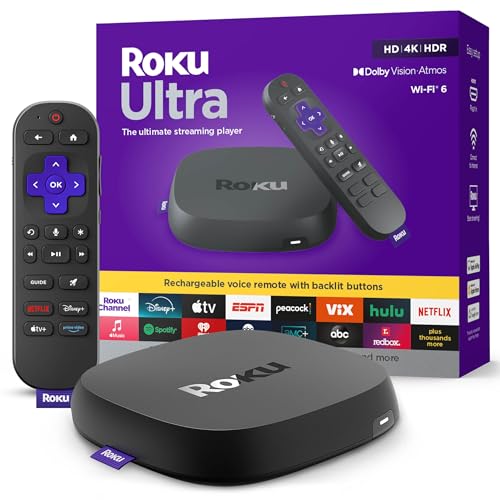
- Ultra-speedy streaming: Roku Ultra is 30% faster than any other Roku player, delivering a...
- Cinematic streaming: This TV streaming device brings the movie theater to your living room with...
- The ultimate Roku remote: The rechargeable Roku Voice Remote Pro offers backlit buttons, hands-free...
Does the position of my streaming stick affect audio quality?
Yes, the placement matters more than most people realize. If your stick is behind a TV or inside a cabinet, the Wi-Fi signal gets blocked.
I always keep my streaming stick in an open spot with a clear line of sight to the router. Even moving it a few feet can make a huge difference in audio quality.
Which streaming stick won’t let me down when I am hosting a movie night with music?
When you have people over and the pressure is on, you need a device that just works without any fuss. I have found that the ones I sent my sister to buy have been reliable even during peak usage hours.
Look for a streaming stick with ethernet port support if your Wi-Fi is unreliable. A wired connection completely eliminates the skipping problem during important events.
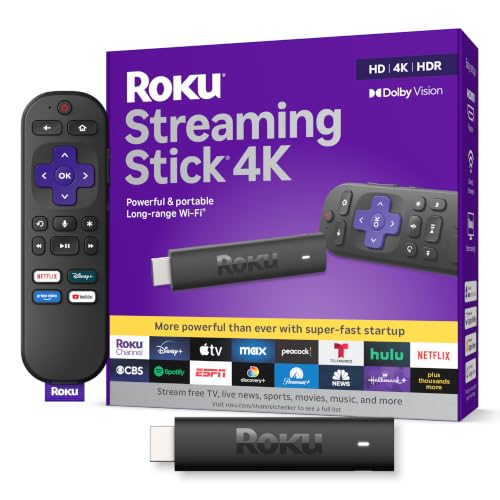
- Stunning 4K and Dolby Vision streaming made simple: With America’s number 1 TV streaming...
- Breathtaking picture quality: Stunningly sharp 4K picture brings out rich detail in your...
- Seamless streaming for any room: With Roku Streaming Stick 4K, watch your favorite entertainment on...
Can too many devices on my Wi-Fi cause music to sound damaged?
Yes, this is a very common cause. When your kids are streaming videos and your spouse is on a video call, your music gets pushed aside.
Your streaming stick needs consistent bandwidth to play audio without interruptions. Try pausing other devices or upgrading your router to handle more connections at once.
Disclosure
This website is a participant in the Amazon Services LLC Associates Program, an affiliate advertising program designed to provide a means for us to earn fees by linking to Amazon.com and affiliated sites.