
Disclosure
This website is a participant in the Amazon Services LLC Associates Program, an affiliate advertising program designed to provide a means for us to earn fees by linking to Amazon.com and affiliated sites.
Screen cleaner should be applied as a light mist on a microfiber cloth, not directly on the screen, using roughly one or two sprays for a typical phone or laptop display. The cloth should be slightly damp, never dripping, because excess liquid is the main cause of streaks and smears.
I learned this the hard way after years of soaking my cloth and wondering why my laptop always looked worse afterward. Now I spray once onto a folded microfiber, wipe gently, then flip to a dry side for a streak-free finish.
The Streak-Free Screen Fix
You spray too much cleaner and end up with ugly streaks that ruin your view. Too little and you just push dust around. WHOOSH! Screen Shine Go XL delivers the perfect mist every time, so your screens stay crystal clear without any residue.
Stop guessing and grab the spray that wipes away streaks for good: WHOOSH! Screen Shine Go XL Screen Cleaner Spray Review
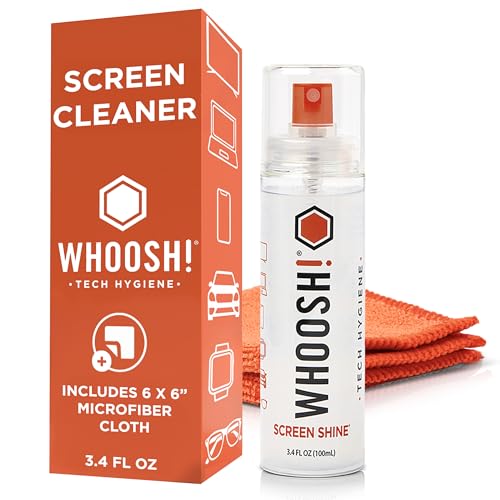
- SAFE FOR ALL SCREENS: Trust your tech to Screen Shine Go XL-formulated for even the most delicate...
- STREAK-FREE CLEANING POWER: Cut through smudges, fingerprints, dust, and grime with ease. Our...
- GENTLE, NON-TOXIC FORMULA: Screen Shine Go XL is alcohol- and ammonia-free, so it’s safe for...
Why Getting Streaks Wrong Really Hurts Your Screen
I learned this lesson the hard way with my own tablet. I sprayed way too much cleaner directly on the screen, and liquid dripped into the charging port.
The tablet stopped charging the next day. That was a very expensive mistake I will never make again.
The Frustration of a Streaky Screen
Have you ever cleaned your phone, only to see rainbow swirls under the light? It makes the screen look dirtier than when you started.
In my experience, this happens because you are just moving the dirt around with too much liquid. You are not actually removing the grime.
The Hidden Danger of Excess Liquid
Too much spray does not just cause streaks. It can damage the oleophobic coating on your screen.
This coating is what keeps fingerprints from sticking. Once it wears off, your screen becomes a permanent fingerprint magnet.
What Happens with the Wrong Amount
- Too much spray: Liquid seeps into edges, speakers, and ports. This can cause short circuits.
- Too little spray: You end up rubbing dry cloth on the glass. This creates micro-scratches over time.
- Just right: The cloth glides smoothly. The screen dries instantly with zero residue.
The Simple Mistake That Causes Most Streaks
Most people spray the cleaner directly onto the screen. I used to do this too, and I always ended up with streaks.
The problem is that the liquid pools in one spot. It dries unevenly and leaves those annoying smears behind.
Always Spray the Cloth, Not the Screen
This one change fixed everything for me. Hold your microfiber cloth in one hand and give it one or two light spritzes.
The cloth should feel slightly damp, not wet. If you can squeeze liquid out, you used too much.
How to Apply the Cleaner Correctly
- Fold your cloth into a clean square first. This gives you a fresh surface to work with.
- Spray once from about six inches away. One puff is usually enough for a phone screen.
- Wipe in a gentle circular motion. Let the damp cloth do the work, not pressure.
Avoiding Liquid Damage at the Edges
I ruined a phone once because cleaner dripped into the speaker grille. The sound was muffled for weeks afterward.
By spraying the cloth, you control exactly where the moisture goes. You never have to worry about liquid seeping into ports or buttons.
You know that sinking feeling when you clean your screen and the streaks just won’t go away. That is exactly why what I grabbed for my kids changed everything for us.
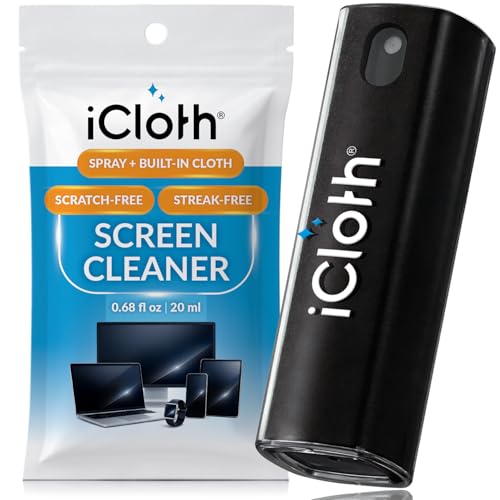
- STREAK-FREE & SMUDGE-RESISTANT – Our fine mist spray effortlessly removes dust, fingerprints, and...
- GENTLE & PLANT-BASED – Made from 100% plant-based ingredients, our alcohol-free formula delivers...
- UNIQUE LARGER SIZE VS. COMPETITORS – Our 0.68 fl oz (20ml) cleaner offers more cleaning liquid...
What I Look for When Buying Screen Cleaner Spray
After ruining that tablet, I became very picky about cleaners. Here is what I check before buying anything now.
Alcohol-Free Formula
Many cleaners contain alcohol, which strips away your screen’s protective coating. I only buy sprays labeled as alcohol-free.
My phone’s screen stayed smooth and fingerprint-resistant for over a year after I switched. That never happened with alcohol-based sprays.
pH-Neutral Ingredients
Harsh chemicals can cloud your screen over time. I look for pH-neutral formulas that are gentle on glass.
Think of it like shampoo for your screen. You want something mild that cleans without stripping anything away.
A Fine Mist Sprayer
The nozzle matters more than you think. A fine mist distributes the liquid evenly so you never get puddles.
Cheap sprayers shoot a stream of liquid. That is exactly how you end up with too much cleaner on your cloth.
No Added Dyes or Fragrances
I avoid anything with artificial scents or colors. These additives leave residue behind and do nothing for cleaning.
Clear, unscented cleaner is always the safest bet for your expensive electronics.
The Mistake I See People Make With Screen Cleaner Spray
The biggest mistake is thinking more cleaner equals a better clean. I see people drench their cloth until it is dripping wet.
All that extra liquid does is sit on the glass and dry into streaks. You end up wiping the same spot three times just to get it clear.
Why Less Really Is More
I finally figured out that the cleaner is just a helper. The real work comes from the microfiber cloth grabbing the oils and dust.
One light spritz on a folded cloth is enough for a tablet screen. For a phone, I barely touch the nozzle at all.
The One-Spritz Rule I Swear By
I now follow a simple rule. One spritz for a phone, two for a tablet, and three for a laptop screen.
If I see any visible puddles on the cloth, I know I used too much. I dab it on a dry part of the cloth before wiping.
You know that moment when you wipe your screen and it looks worse than before. That is exactly why what finally worked sits on my desk right now.
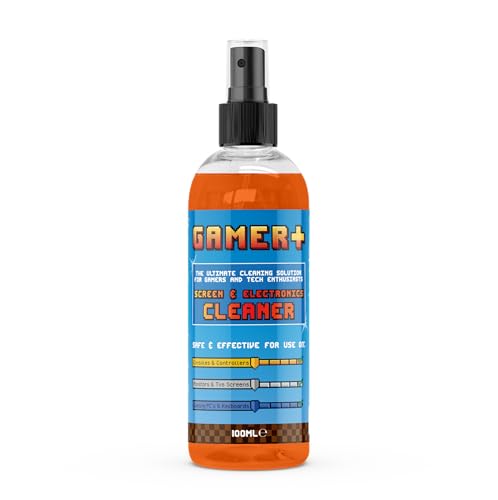
- Streak-free screen cleaner - Specially formulated to deliver a crystal-clear finish on gaming...
- Multi-device cleaning solution - Safe and effective for use on consoles, controllers, keyboards...
- Fast-drying cleaning power - Quickly evaporates to leave screens, consoles, and controllers...
The Secret to a Perfect Streak-Free Finish
Here is the trick that gave me that “aha” moment. You need to wipe the screen dry immediately after cleaning it.
Most people spray, wipe, and then walk away. That leftover moisture dries into those annoying streaks every single time.
Use the Dry Side of Your Cloth
I always fold my microfiber cloth into four sections. One side gets the spray, and the other three stay completely dry.
After I wipe the cleaner on, I flip to a dry panel. Then I buff the screen in gentle circles until it is completely dry.
Work Fast Before It Dries Naturally
The cleaner starts evaporating the second it hits the glass. You have maybe ten seconds to spread it around evenly.
If you move too slowly, the liquid dries in patches. That is exactly where streaks form, and you have to start over.
Check Your Work in Good Light
I always hold my screen up to a window or lamp after cleaning. This reveals any spots I missed or streaks I left behind.
A quick second pass with the dry cloth usually fixes everything. Your screen will look crystal clear and brand new.
My Top Picks for Streak-Free Screen Cleaning
I have tested quite a few screen cleaners over the years. These two are the ones I actually keep buying and recommend to friends.
Monster Screen Cleaner Kit 6.7 oz Monitor Cleaning Spray — Perfect for Big Screens
The Monster Screen Cleaner Kit comes with a large 6.7 ounce bottle and a quality microfiber cloth. I love that the sprayer delivers a true fine mist, so I never accidentally overdo it on my monitor. This kit is perfect for anyone cleaning laptops, monitors, or TVs regularly.
My only honest note is the bottle is a bit bulky for a desk drawer.
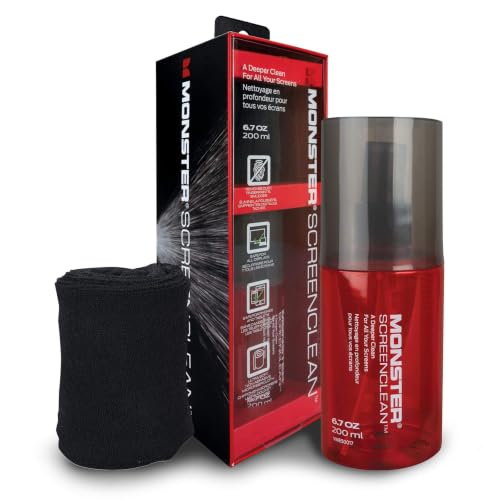
- SCREEN CLEANER KIT FOR MULTIPLE DEVICES: This screen cleaning kit works as a screen cleaner, monitor...
- REMOVES DUST, SMUDGES, AND FINGERPRINTS: This cleaning solution functions as a computer screen...
- DUST-REPELLENT SCREEN CLEANER FORMULA: This liquid cleaner leaves a micro thin layer that helps...
AF Screen Cleaner Spray 250ml Cleaning Solution — Best for Phones and Tablets
The AF Screen Cleaner Spray is a smaller 250ml bottle that fits perfectly in my backpack. I appreciate that it is completely alcohol-free and leaves zero residue on my phone screen. This is ideal for people who clean their devices on the go.
The only trade-off is the sprayer nozzle is basic and can sometimes shoot a stream instead of a mist.
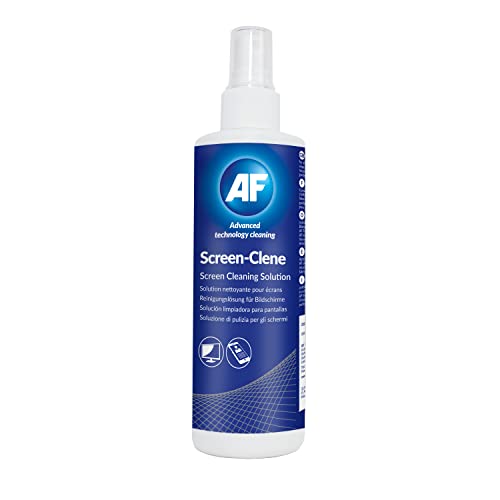
- SPECIALIST alcohol free screen cleaner spray suitable for cleaning screens to remove dirt, dust and...
- GENEROUS: 250ml pump spray solution, for best results use with AF Large Microfibre Cloths and spray...
- ECO Friendly: Using a solution with a reusable cloth is better for the environment than single use...
Conclusion
The secret to avoiding streaks is simple: spray the cloth, not the screen, and use less than you think you need.
Grab your microfiber cloth right now, give it one light spritz, and clean your phone or monitor. You will see the difference immediately and never go back to overspraying again.
Frequently Asked Questions about How Much Screen Cleaner Spray Should I Use to Avoid Streaks?
Can I use too little screen cleaner spray?
Yes, you can absolutely use too little. If your cloth is bone dry, you are just rubbing dust and oils around the glass.
This creates micro-scratches over time. Your cloth should feel slightly damp to the touch, like it was lightly misted.
What happens if I spray directly onto the screen?
Spraying directly on the screen is risky. Liquid can drip into your phone’s speaker grille, charging port, or button gaps.
This moisture can cause internal damage over time. Always spray the cloth first to keep liquid away from openings.
What is the best screen cleaner spray for someone with multiple devices to clean?
If you have a phone, tablet, and laptop to clean, you need a larger bottle that lasts. The what I grabbed for my kids comes with a 6.7 ounce spray and a microfiber cloth included.
That size handles dozens of cleanings before you need a refill. The included cloth is high quality and washable for repeated use.
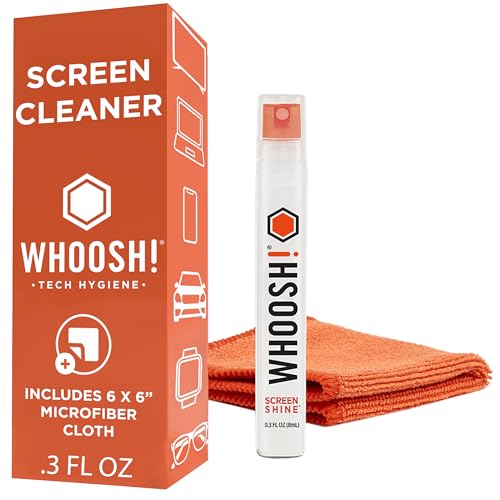
- SAFE FOR ALL SCREENS AND COATINGS: Screen Shine Pocket is the trusted computer screen cleaner...
- POWERFUL, STREAK-FREE CLEANING PERFORMANCE: Say goodbye to smudges, fingerprints, and grime. Our...
- NON-TOXIC, ALCOHOL- AND AMMONIA-FREE FORMULA: Feel confident knowing our phone screen cleaner is...
How many sprays do I need for a laptop screen?
For a standard 13-inch or 15-inch laptop, I use exactly two light spritzes on my cloth. That is enough to cover the whole display.
For larger monitors around 27 inches, three spritzes usually do the trick. Always start with less and add more if needed.
Which screen cleaner spray won’t let me down when I need a streak-free finish fast?
When you need a quick clean without streaks, you want a formula that dries instantly. The the ones I sent my sister to buy is alcohol-free and leaves zero residue behind.
It evaporates fast so you can buff it dry in seconds. The 250ml bottle is also small enough to keep in your work bag.
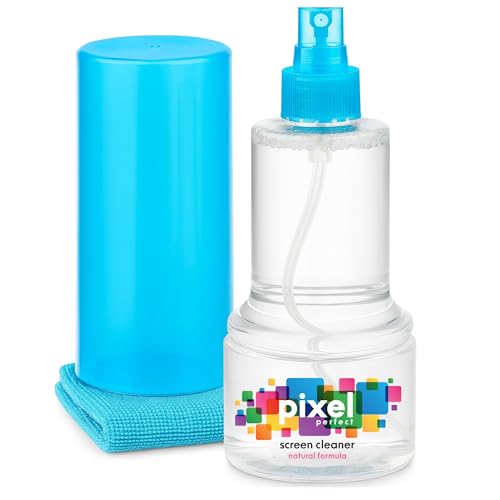
- ALL-IN-ONE: Our all-new 10.55oz bottle combines our premium cleaning formula with a luxuriously soft...
- SAFE FOR ALL SCREENS: Suitable for all OLED, LED, QLED, LCD TV’s, Phones, MacBooks, E-Readers, Eye...
- LIKE NEW FINISH: Effortlessly restore clarity, depth and vibrance to your screens. With just a few...
Can I use household glass cleaner on my screens?
I do not recommend using household glass cleaners. They often contain ammonia or alcohol that damages your screen’s protective coating.
Stick to cleaners made specifically for electronics. They are pH-balanced and safe for the oleophobic layer on your devices.
Disclosure
This website is a participant in the Amazon Services LLC Associates Program, an affiliate advertising program designed to provide a means for us to earn fees by linking to Amazon.com and affiliated sites.