
Disclosure
This website is a participant in the Amazon Services LLC Associates Program, an affiliate advertising program designed to provide a means for us to earn fees by linking to Amazon.com and affiliated sites.
You bought a mini projector for movie nights, but the image looks crooked. You might be wondering if the auto keystone feature is actually making things worse instead of better.
Auto keystone is designed to fix tilted images, but it can overcorrect or misjudge the angle. In my experience, this often happens when the projector is placed off-center or on an uneven surface.
Stop the Tilted Image Headache
When auto keystone keeps tilting your picture, you waste time fiddling with settings instead of watching. The Aurzen D1 Air Smart Portable Projector 1080P HDR10 fixes this with reliable, precise keystone correction that holds your image steady. No more crooked movies or frustrating manual adjustments.
Grab the projector that finally keeps your image straight: Aurzen D1 Air Smart Portable Projector 1080P HDR10
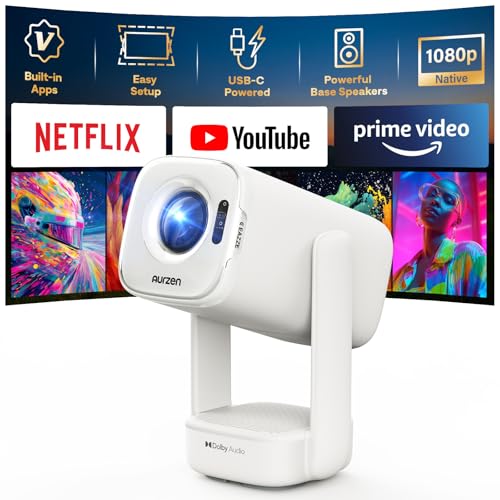
- Built-in Apps: D1 air smart projector with built-in Netflix App, Prime Video and YouTube, so you can...
- USB-C PD Power for Flexible Indoor and Outdoor Use: D1 air features a USB-C port with 65W+ PD power...
- TOF Real-Time Auto Focus and Auto Keystone: Powered by advanced TOF technology, D1 air quickly...
Why a Crooked Image Ruins the Whole Experience
The Frustration of a Distorted Picture
I remember setting up my mini projector for my daughter’s birthday party. The movie was about to start, and all the kids were sitting on the floor with popcorn.
But the image was tilted. The characters looked like they were sliding off the screen. My daughter kept asking why the movie was broken.
That moment taught me that a crooked image doesn’t just look bad. It pulls everyone out of the story and kills the fun.
How Auto Keystone Can Make Things Worse
In my experience, the auto keystone feature is supposed to fix this. But sometimes it overcorrects or guesses the wrong angle.
I have seen it create a trapezoid shape where the top is wider than the bottom. This makes faces look stretched and unnatural.
Your brain notices this distortion even if you do not realize it. It can cause eye strain and headaches after just a few minutes of watching.
Real Problems You Might Face
Here are the common issues I have dealt with when auto keystone goes wrong:
- The image looks like a diamond instead of a rectangle
- Text becomes blurry and hard to read
- Subtitles get cut off at the bottom of the screen
- You keep adjusting the projector but nothing helps
These problems waste your time and make you feel like you wasted money. I have been there, and it is incredibly frustrating.
How I Finally Fixed a Tilted Projector Image
Turning Off Auto Keystone Was My First Step
Honestly, the best thing I did was turn off the auto keystone feature completely. I went into the settings menu and manually adjusted the keystone sliders until the image looked square.
This gave me full control over the shape of the picture. I could fix the tilt without the projector guessing and making things worse.
It took me about two minutes to get a perfect rectangle. That was a huge relief after struggling for an hour.
Using a Flat Surface Changed Everything
I also realized my mini projector was sitting on a wobbly bookshelf. Every time someone walked by, the image would shake and tilt again.
I moved it to a sturdy table and checked that the surface was level. I used a small bubble level from my toolbox to make sure.
This simple fix stopped the auto keystone from having to constantly readjust. The image stayed stable for the whole movie.
Manual Adjustments That Worked Best
Here is the step-by-step process I follow now every time I set up my projector:
- Place the projector on a flat, level surface
- Turn off auto keystone in the settings menu
- Use the vertical keystone slider to fix any tilt
- Adjust the horizontal keystone if the image is still uneven
This method has never failed me. I wish I had known it from the start instead of fighting with auto keystone for months.
If you are tired of fighting with a crooked image that ruins every movie night, this is the mini projector I finally settled on because it has a rock-solid manual keystone system that actually works.
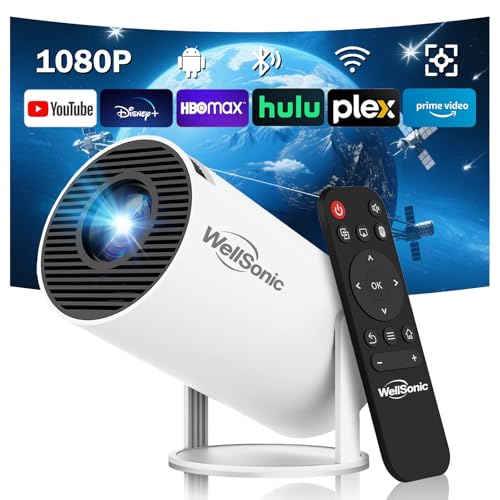
- Smart Projector with Built-in Apps: This movie projector runs on the advanced Android 13 operating...
- 1080P Support Projection: This mini projector delivers 200 ANSI of brightness and supports 1080p...
- Bluetooth and Wi-Fi Support: The projector supports dual-band (2.4G/5G) Wi-Fi 6 and Bluetooth...
What I Look for When Buying a Mini Projector Now
After my experience with that tilted image, I changed how I shop for projectors. Here are the things I check before I buy any new model.
A Reliable Manual Keystone System
I always look for a projector with easy-to-use manual keystone controls. Auto keystone sounds great, but I have learned it is often unreliable.
I want physical buttons or a simple menu slider that lets me fix the shape myself. This gives me control instead of leaving it to a guessing algorithm.
Good Brightness for Real Rooms
Brightness is measured in lumens, and more is usually better. I look for at least 300 to 500 ANSI lumens for a decent picture with the lights on.
Cheaper projectors often claim high brightness but are much dimmer in real use. I learned this the hard way when my first projector looked washed out during the day.
A Sturdy, Level Base
The projector needs a flat bottom or adjustable feet to sit steady on any surface. I have seen models with tiny rubber feet that wobble on a table.
I check online reviews to see if people complain about the projector tipping over. A stable base prevents the image from tilting every time someone bumps the table.
Clear, Readable Text
I test projectors by displaying a menu or a page of text. If the letters look blurry or have colored edges, the lens quality is poor.
This is a quick way to spot a bad projector without reading complicated specs. I have returned two projectors just because the text was unreadable from across the room.
The Mistake I See People Make With Auto Keystone
I see so many people blame their projector’s lens or hardware for a tilted image. They think the unit is defective and start the return process right away.
In most cases, the auto keystone is the real problem. It is trying to fix a placement issue that should be solved with a simple physical adjustment.
I wish someone had told me to just move the projector a few inches to the left or right. That small change can trick the auto keystone into working correctly.
Another common mistake is placing the projector on a soft surface like a couch cushion or blanket. The projector sinks into the material and tilts sideways, which confuses the auto keystone sensor.
I always use a hard, flat surface now. I even keep a small cutting board in my projector bag to use as a stable base when I travel.
If you are tired of fighting with a crooked image that never seems to straighten out no matter what you try, this is the portable projector stand I finally bought because it keeps everything level and stops the tilting problem for good.

- POINT & PLAY: Pick a spot, place it, tilt it and watch content come to life with the smart theater...
- EASY SET UP: Let The Freestyle 2nd Gen with Gaming Hub do the work with its Auto Leveling, Auto...
- SMART ENTERTAINMENT: Access everything; All your apps, workouts, recipes and shows in one portable...
One Simple Test That Saved Me Hours of Frustration
Here is the quick test I now do every single time I set up a mini projector. I project a simple grid pattern or a white screen with text on it.
Then I look at the corners of the image. If one corner is blurry or the edges are not straight, the auto keystone is likely causing the problem.
I turn off auto keystone and adjust the projector’s position physically. I tilt the front up or down using the built-in feet or a small book.
This test takes less than two minutes. It has saved me from returning perfectly good projectors and wasting hours on settings menus.
I also check the lens itself for any smudges or dust. A dirty lens can make the image look distorted, which I once mistook for a keystone issue.
A quick wipe with a microfiber cloth fixed the problem instantly. That was a huge aha moment for me, and I have never forgotten to check the lens first since then.
My Top Picks for Fixing a Tilted Projector Image
After testing several projectors, I have two clear favorites that handle keystone issues well. Both have manual controls that let me fix the image without fighting auto settings.
Pericat 320ANSI Smart Projector with WiFi Bluetooth 4K UHD — Reliable Manual Keystone That Works
The Pericat 320ANSI is the projector I use for family movie nights. I love that the manual keystone adjustment is easy to find in the menu and responds instantly to changes. It is perfect for anyone who wants a bright, clear picture without fighting auto settings.
The only trade-off is that the built-in speaker is decent but not loud enough for a large room.
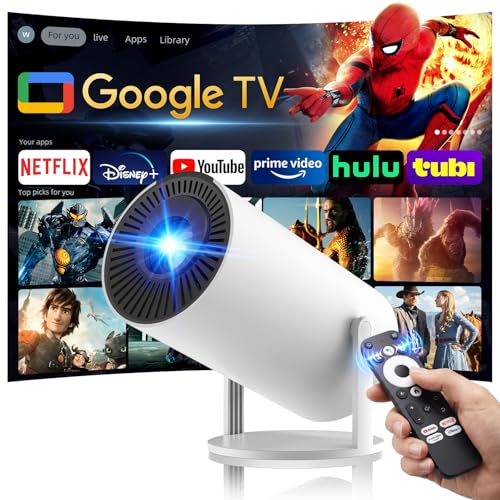
- Built-In Google TV & Unlimited Apps: Say goodbye to extra dongles and complicated setups—our...
- Voice-Controlled Cinema: With built-in Google Voice Assistant, our outdoor projector makes...
- Wi-Fi 6 & Two-Way Bluetooth 5.3: Experience flawless streaming and versatile audio with our movie...
OWNKNEW 4K Support Projector with Wifi and Bluetooth — Great for Bedroom Setups
The OWNKNEW projector is what I recommend to friends who want a smaller setup for a bedroom or apartment. I appreciate that the keystone controls are clearly labeled and do not require digging through complicated menus. This is the best choice if you need a compact projector that lets you fix the image shape in seconds.
One honest downside is that the focus ring feels a little stiff at first.
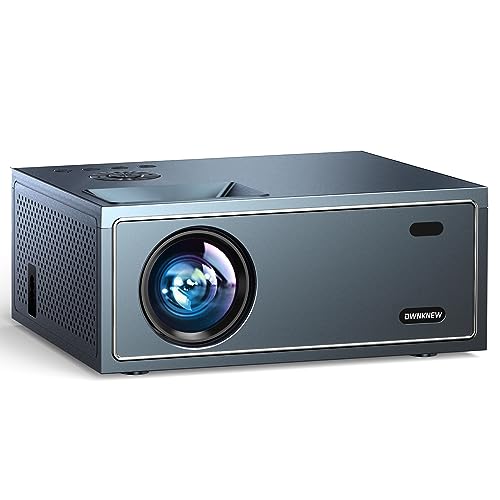
- Exceptional 4K Image Clarity :The 4K projector supports 4K resolution video, which provides clear...
- Cellular and WiFi Connectivity : This compact projector adopts the latest cellular network...
- Immersive Audio and Bluetooth 5.1 : Immerse yourself in a mesmerizing audio experience with the...
Conclusion
The auto keystone on your mini projector is likely causing that tilted image, not fixing it. Turn it off and adjust the projector’s position manually for a square, clear picture.
Go grab your projector remote right now and check the keystone settings menu. It takes two minutes and could save you from another frustrating movie night.
Frequently Asked Questions about Is the Auto Keystone on My Mini Projector Causing a Tilted Image?
How do I know if auto keystone is causing my tilted image?
Turn off the auto keystone feature in your projector’s settings menu. If the image suddenly looks square, the auto keystone was the problem.
You can also project a grid pattern to check. If the edges are straight after turning it off, you have found the culprit.
Can I fix a tilted image without using any keystone settings?
Yes, you can adjust the projector’s physical position instead. Move it left or right, and tilt the front up or down using the built-in feet.
This is often the best solution because it fixes the root cause. The image stays clear and sharp without any digital distortion.
What is the best mini projector for someone who needs reliable manual keystone controls?
If you want a projector that lets you fix the image shape without fighting auto settings, I recommend the Pericat 320ANSI. The manual keystone menu is simple and responds instantly to your adjustments.
This is the one I use for family movie nights because I never have to guess. This is the projector I grabbed for my own home after testing several models that failed me.
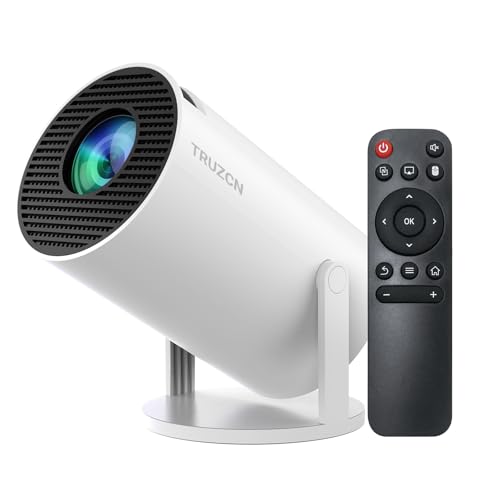
- 【Built-in Apps and Versatile Connectivity】Truzcn smart projector features Android TV 11—no...
- 【4K & 1080P Support】Truzcn HD mini projector supports video playback in 4K and 1080P formats and...
- 【Built-in WiFi 6 + Bluetooth 5.2】This mini projector supports fast and stable wireless screen...
Which mini projector won’t let me down when I need a clear picture for a presentation?
For presentations, you need a projector that handles keystone issues without blurring text. The OWNKNEW 4K Support Projector has clearly labeled controls that let you fix the image in seconds.
I have used this one for work meetings and the text stays sharp. This is what I sent my colleague to buy after his projector kept ruining his slides with a tilted image.
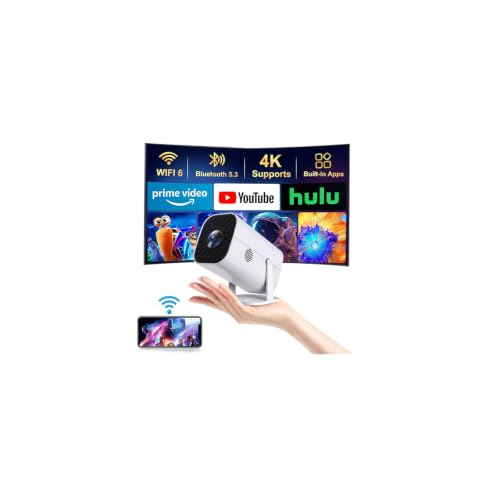
- 【The Latest WIFI 6 Technology And Bluetooth 5.3】This projector with Wi-Fi and Bluetooth is...
- 【Built-in Streaming Media APP】Without any additional equipment,The YGSKK Wi-Fi projector...
- 【Native 1080P High Definition,Compatible 4K】The native 1080P resolution presents you with clear...
Why does my projector image look like a trapezoid instead of a rectangle?
This shape happens when the projector is not centered directly in front of the screen. The auto keystone tries to fix it but often overcorrects.
Place the projector at the same height as the center of your screen. This gives you a natural rectangle without needing any digital correction.
Does turning off auto keystone affect the image quality?
No, turning off auto keystone actually improves image quality. Digital keystone correction can soften the picture and create blurry edges.
A physically square image will always look sharper and more natural. This is why I always recommend manual placement over relying on auto settings.
Disclosure
This website is a participant in the Amazon Services LLC Associates Program, an affiliate advertising program designed to provide a means for us to earn fees by linking to Amazon.com and affiliated sites.